Backup power
Think of it as a spare set of handsWhen the grid steps away, backup power steps in so your important equipment carries on as if nothing happened.
From intelligently secured perimeters to smart connected buildings, SiyaXhuma keeps your business and people connected, protected and always on. Our backup power and solar keep the lights, the systems and the team going, whatever the grid is up to.
You know the moment. You’re mid-presentation, the screen goes black, and everyone politely pretends to check their phones. Or the router goes dark and the card machine goes with it. Or the gate stops halfway, the cameras blink off, and the cold room starts quietly warming up.
Power cuts have a talent for picking the worst possible time.
We help businesses carry on regardless. With the right backup power and solar, the important things simply keep running.
Four everyday comparisons, and you’re officially fluent.
When the grid steps away, backup power steps in so your important equipment carries on as if nothing happened.
When the grid is working, the battery tops itself up. When the grid lets you down, you spend from the fund, and nobody has to notice.
Batteries store power in one “language” and your equipment speaks another. An inverter lets the two understand each other.
Panels on your roof or property collect sunlight, and that power can help run your business, so you lean on the grid a little less.
Good to know: the right setup depends on what you need to keep running and for how long. That’s what we help you work out, and you don’t need to know the numbers before we chat.
Pick the one that sounds like your day, or chat to us and we’ll mix and match.
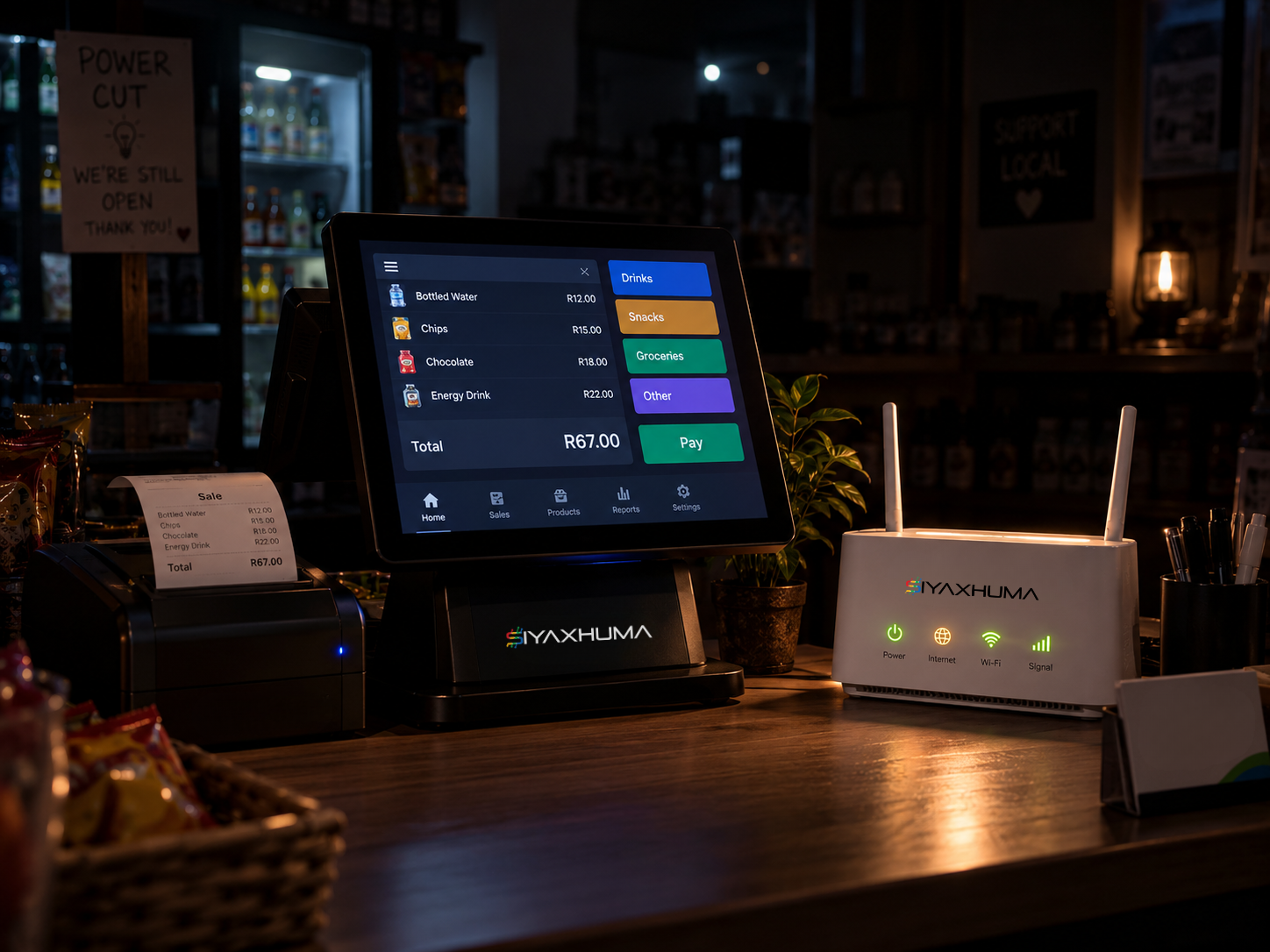
Batteries and inverters that keep your key systems running when the grid goes down. You decide what matters most, and we make sure it stays on.
The power drops mid-afternoon. In the office, the Wi-Fi stays up, the cameras keep recording, the access control keeps letting the right people in, and the tills keep ringing. Most people only find out about the outage from the neighbours’ complaints.
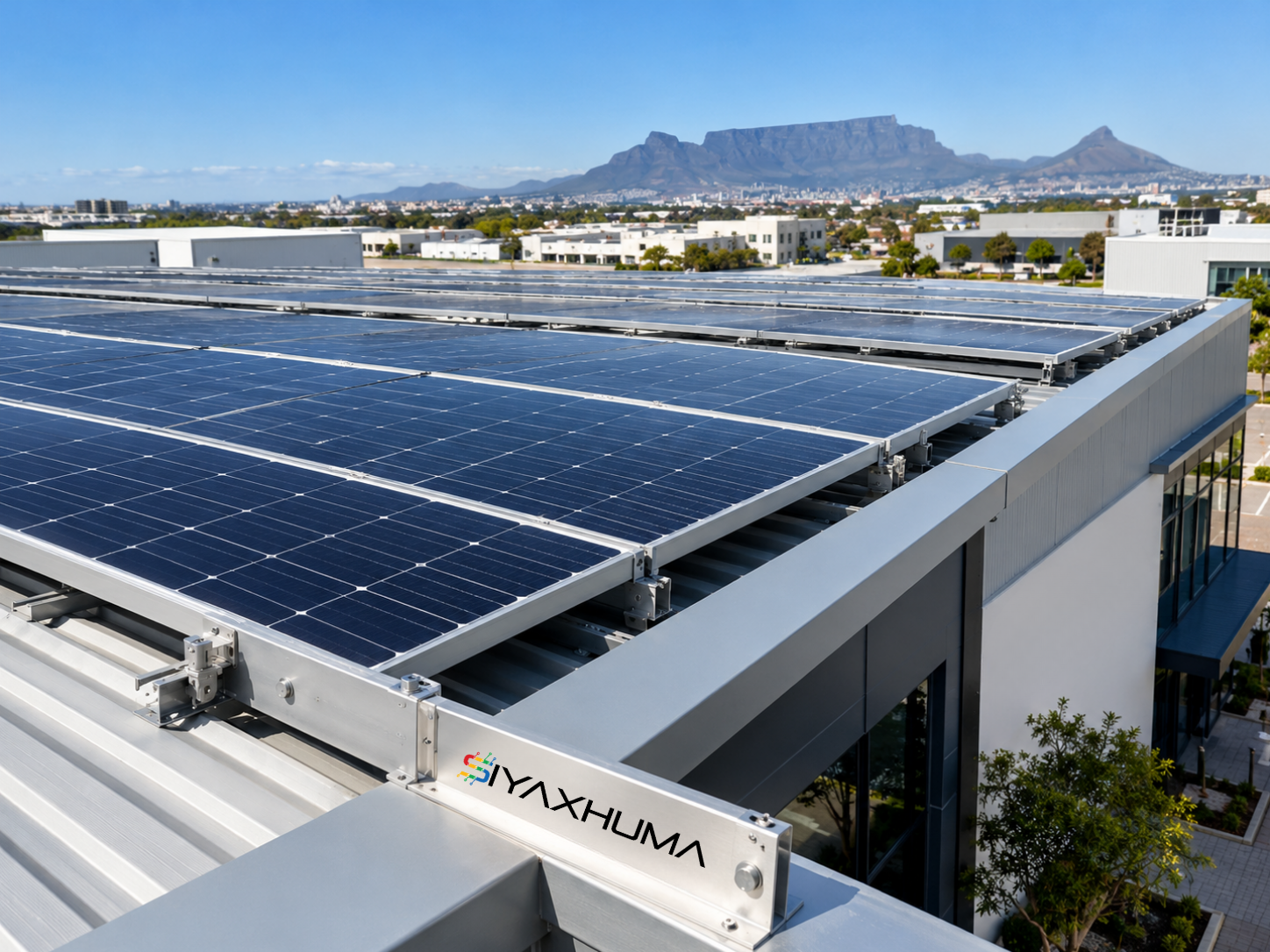
Using the sun to lean on the grid less and bring down your running costs. Solar panels collect sunlight and turn it into power your business can use.
A business with a busy roof and daytime opening hours uses the sun’s free energy while it’s working hardest, and the grid becomes more of a backup act than the main show.
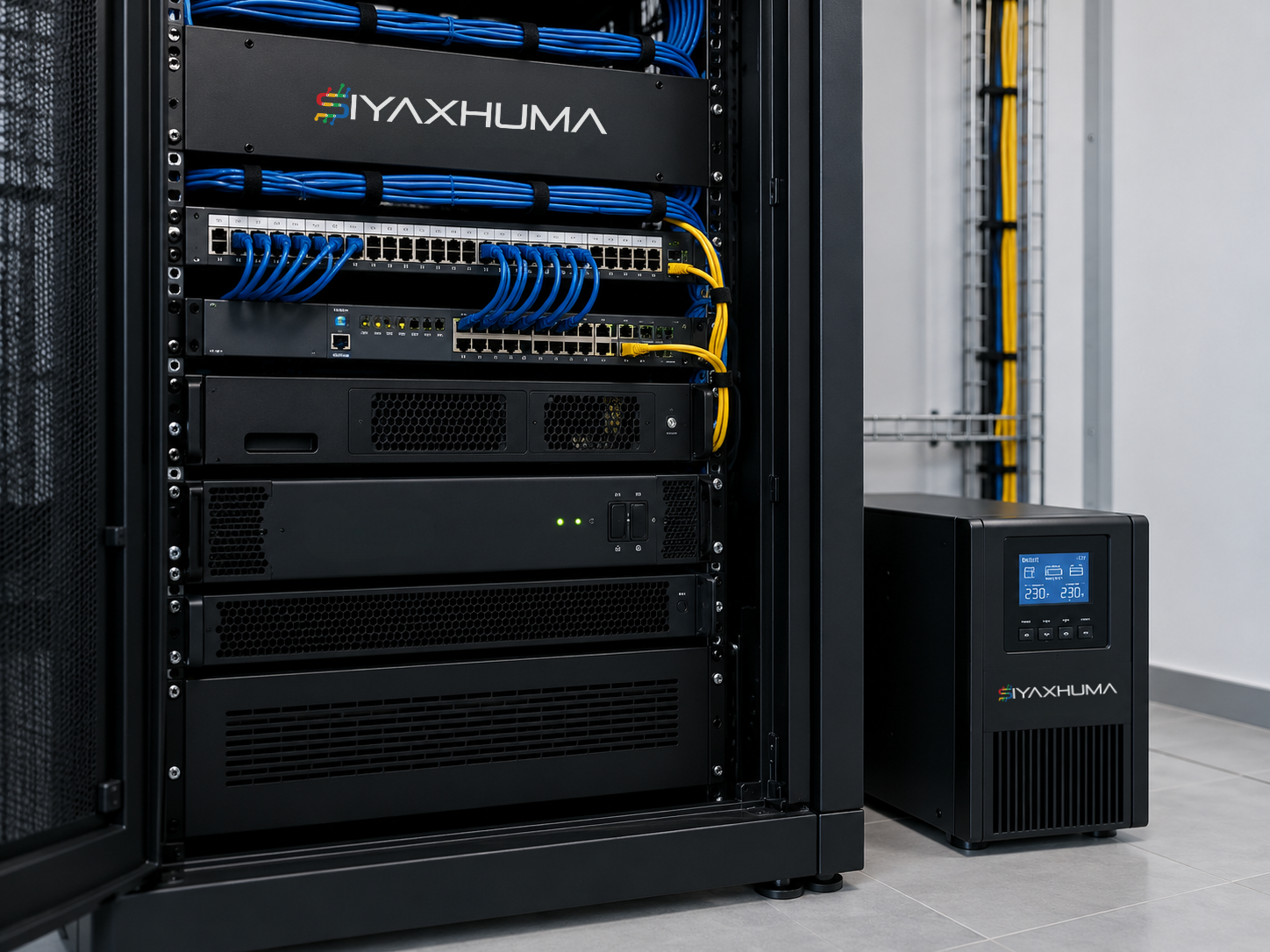
Some things a business simply can’t afford to lose: the internet, the security system, the sensors that watch over the building. This is about giving those things their own protected supply so they stay online no matter what.
The grid drops overnight. The Wi-Fi network, the cameras and the smoke and water sensors carry on watching, so nothing goes unmonitored while the building is empty.
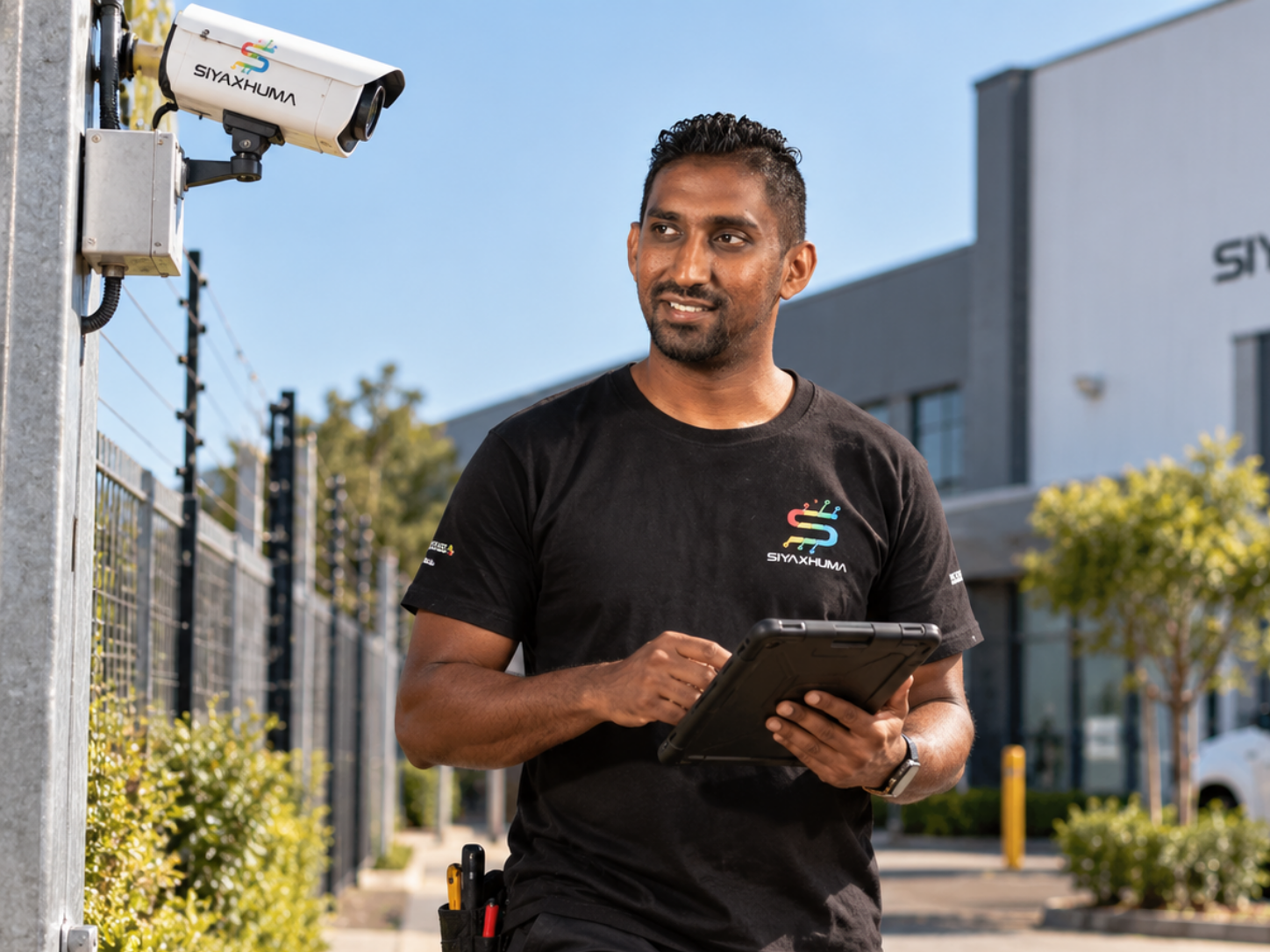
Before we install anything, we work out what your site actually needs. Then we set it up neatly, safely and in a way that fits your space, so it looks tidy and works quietly in the background.
We visit your site, walk around with you and ask what absolutely has to stay on. We plan the setup, then install it with minimal fuss and explain it in plain language before we leave.
No electrical knowledge needed. Just tick what would make your day awkward if it switched off.
Your list is a great starting point. When we chat, we’ll help you sort it into “must stay on”, “nice to keep on” and “can take a break”, so the plan fits your needs and not a one-size-fits-all package.
Nothing ticked yet. No pressure.Find your situation, and we’ll point you to the right place.
Wi-Fi, tills and phones dropping in the middle of a busy day.
See backup powerRising running costs and a sunny roof going to waste.
See solarThe systems that guard the site shouldn’t go to sleep when the grid does.
See critical systemsNo jargon, no pressure, just a plan.
See design and installationA good power setup works best when someone keeps an eye on it. Our ongoing care, monitoring and maintenance plans live on our Maintenance & SLA page.
Each one is better with the others.
Wi-Fi, fibre and links stay up when the power does, so your team and your customers stay online.
Cameras, access control and sensors keep working through load shedding, so your site stays watched and secured.
The big picture of how we keep you running, plus the team who look after it.
Four simple steps, and you’ll know what’s happening at every one.
Tell us what’s keeping you up at night. No jargon, no pressure.
We look at what you have and what needs to stay on. Site visits are free.
You get a clear plan in plain language, covering a full backup solution.
We set it up neatly and safely, and explain how it all works. Ongoing support is available through our Maintenance & SLA plans.
Cold rooms stay cold, scanners keep scanning and the loading bay doesn’t grind to a halt.
Production lines keep moving, and your team isn’t left waiting on the grid.
Guests stay comfortable, the Wi-Fi keeps humming and the tills keep ringing.
Systems stay online, server rooms stay up and client work carries on.
We work with businesses across KwaZulu-Natal, Gauteng and the Western Cape.
That’s what it’s designed for. Backup power can keep key systems like Wi-Fi, cameras, access control and tills running through load shedding. We’ll work with you to decide exactly which systems matter most. How long they stay on is based on your requirements.
It depends on how much you want to keep running, and for how long. Battery run time is site specific, so we size it around your needs together during the planning chat.
Solar can help you lean on the grid less, which can reduce running costs. We don’t make promises about specific savings, because every site is different.
Yes. What’s covered is specific to the product, and to your maintenance and SLA plan. Ask us and we’ll explain what applies to your setup.
Requirements can differ depending on your site and your area.
That’s one to check with your insurer. We’d suggest speaking to them about how a new installation fits with your cover.
Whether it’s load shedding, a rising power bill or a gate that stops at the worst moment, we’d love to hear about it.