Always OnMaintenance & SLA

Cameras that work, not just cameras that are on.

From intelligently secured perimeters to smart connected buildings, SiyaXhuma keeps your business and people connected, protected and always on. That includes making sure your cameras are actually doing their job.

A SiyaXhuma-installed security camera on a business premises Live
Camera health check
  • Camera 04OfflineOnline
  • RecordingSaving
  • Lens viewCobwebsClear
  • StorageRoom to record

Is your camera watching, or just standing there?

Most of us have been there. You need footage, and the camera turns out to have been offline for weeks. Or the recorder didn’t save what you hoped it would. Or the “view” is mostly a very committed spider’s web.

None of this means anything has gone badly wrong. Cameras just need a little looking after, like everything else that works hard for you every day. We’ll help you check that yours are working, recording and pointing the right way, so you don’t find out the hard way.

A camera can look fine and still not be fine

Think of a car that looks great in the driveway but hasn’t been serviced in years. It starts, it drives, and then one day it doesn’t. Cameras are similar.

A camera can have its little light on and still:

  • not be recording
  • be pointing at the wall, a branch or the sky after a bump
  • be saving footage that’s too blurry to be useful
  • have lost its connection to the recorder

A regular check-up catches these things quietly, long before you need the footage.

Looks great

The car

Shiny, starts first time, no warning lights. Service history? A mystery.

Service: overdue
Light is onPlot twist

The camera

Powered up and glowing, so surely it’s fine?

Last checked: who knows?

Behind the green light

  • Not recording
  • Aimed at the sky
  • Too blurry to use
  • Lost its connection

What a camera check-up can include

Here’s what a typical camera check-up looks at. We’ll always agree exactly what’s covered before we start.

Are the cameras online and recording?

We check, on site and/or remotely, that every camera is switched on, connected and actually recording, not just glowing a friendly green.

Real-life exampleA camera in the loading bay has quietly dropped offline. We spot it on the check, not three weeks later when you need it.
Is footage being saved, and can it be found?

Recording is one thing. Being able to find the right moment later is another. We check that footage is stored properly and can be retrieved across your recording days, so it can be pulled up when you ask for it.

Real-life exampleSomeone asks, “Can we see the front gate from last Tuesday?” and the answer is yes, in a few clicks.

Clean lenses, clear view, correct aim

Lens cleaning and re-aiming are part of our standard visits. We check the camera sees what you need it to see. Dust, spiderwebs, wasps’ nests and bumped brackets all make for a poor view.

Real-life exampleA camera meant to watch the car park entrance has drifted to look at the sky. We re-aim it.

Cabling, power and connections

Cameras depend on the cables and power behind them. We check that connections are secure and in good shape. Any repairs that are needed are quoted separately.

Real-life exampleA weathered connection that cuts out when it rains gets found and sorted before it becomes a recurring mystery.

The recording equipment and storage

The recorder and its storage are the “brain and memory” of your system. We look after firmware and software updates, check hard drive capacity and make sure the recorder is recording as it should.

Real-life exampleStorage that’s nearly full gets flagged, so older footage isn’t wiped sooner than you expected.

A report in plain language

After every visit, you get a clear summary of what we found, what we fixed and what needs attention, by PDF, email or photos. No jargon, no head-scratching.

Real-life exampleA short, easy note your office manager can read in two minutes and forward to the boss.
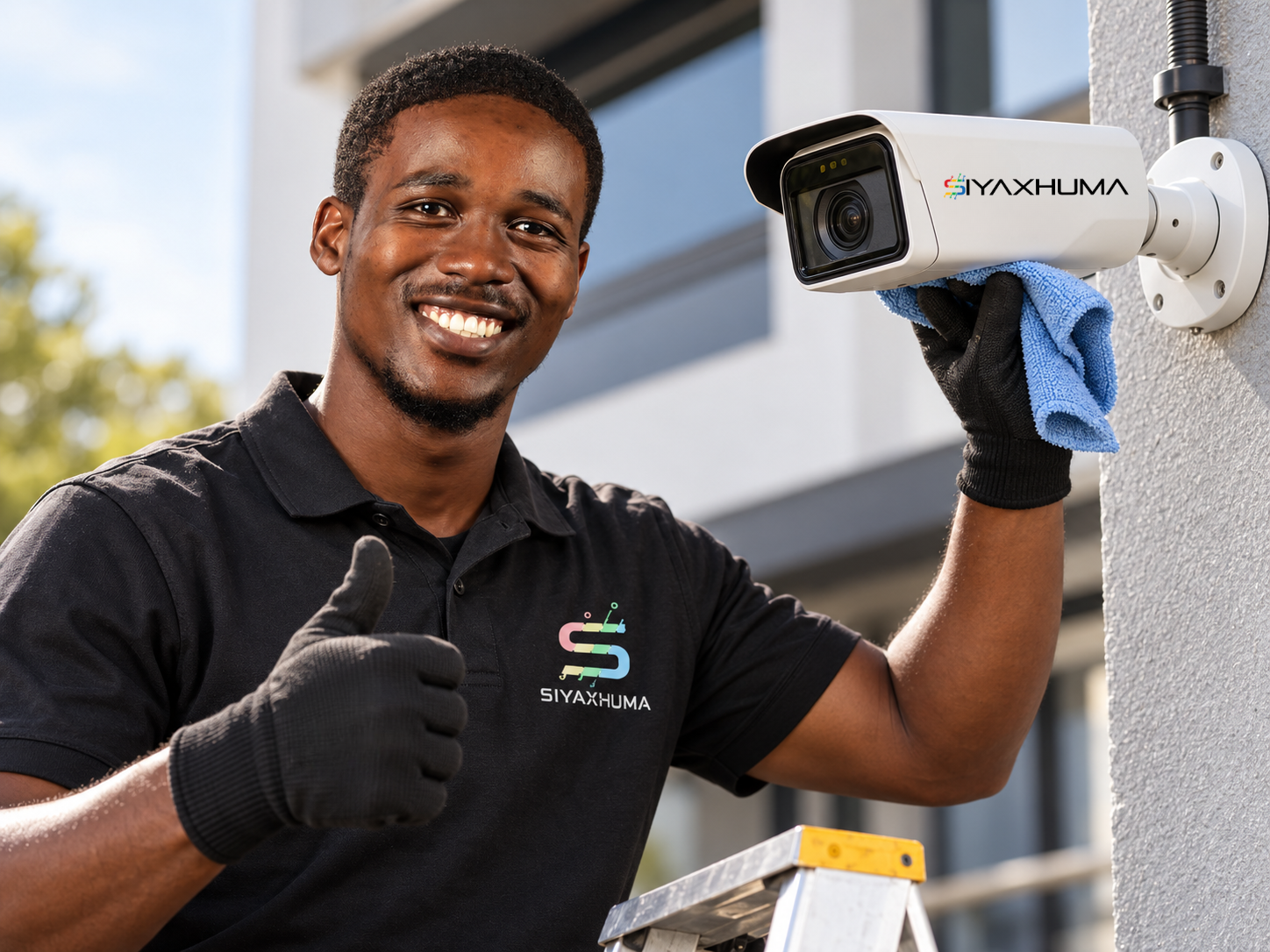
A technician cleaning a camera lens during a check-up
Check-up report
  • Cameras online
  • Recording
  • Lens cleaned
  • Plain-language report

What a visit looks like

No clipboards of doom, no mystery jargon. Just a technician, a ladder, a microfibre cloth and a clear answer at the end.

Ongoing care or a one-off visit?

Two friendly ways to look after your cameras. Pick whichever suits your site today.

Which sounds most like you?

Ongoing maintenance plan

Best for: businesses that want cameras looked after regularly, without having to remember.

  • Regular check-ups, once a quarter or to suit your site’s requirements
  • Problems spotted early, before you need the footage
  • One familiar team who knows your site
  • Customised to suit your needs

One-off visit

Best for: a camera that’s gone down, or a quick check before something important.

  • A single visit to check, fix or tidy up
  • A good way to see where your cameras stand today
  • Can lead into a plan later if you’d like
  • A plain-language report after the visit

Not sure which suits you? Tell us about your site and we’ll point you in the right direction. There’s no pressure either way.

Let’s chat
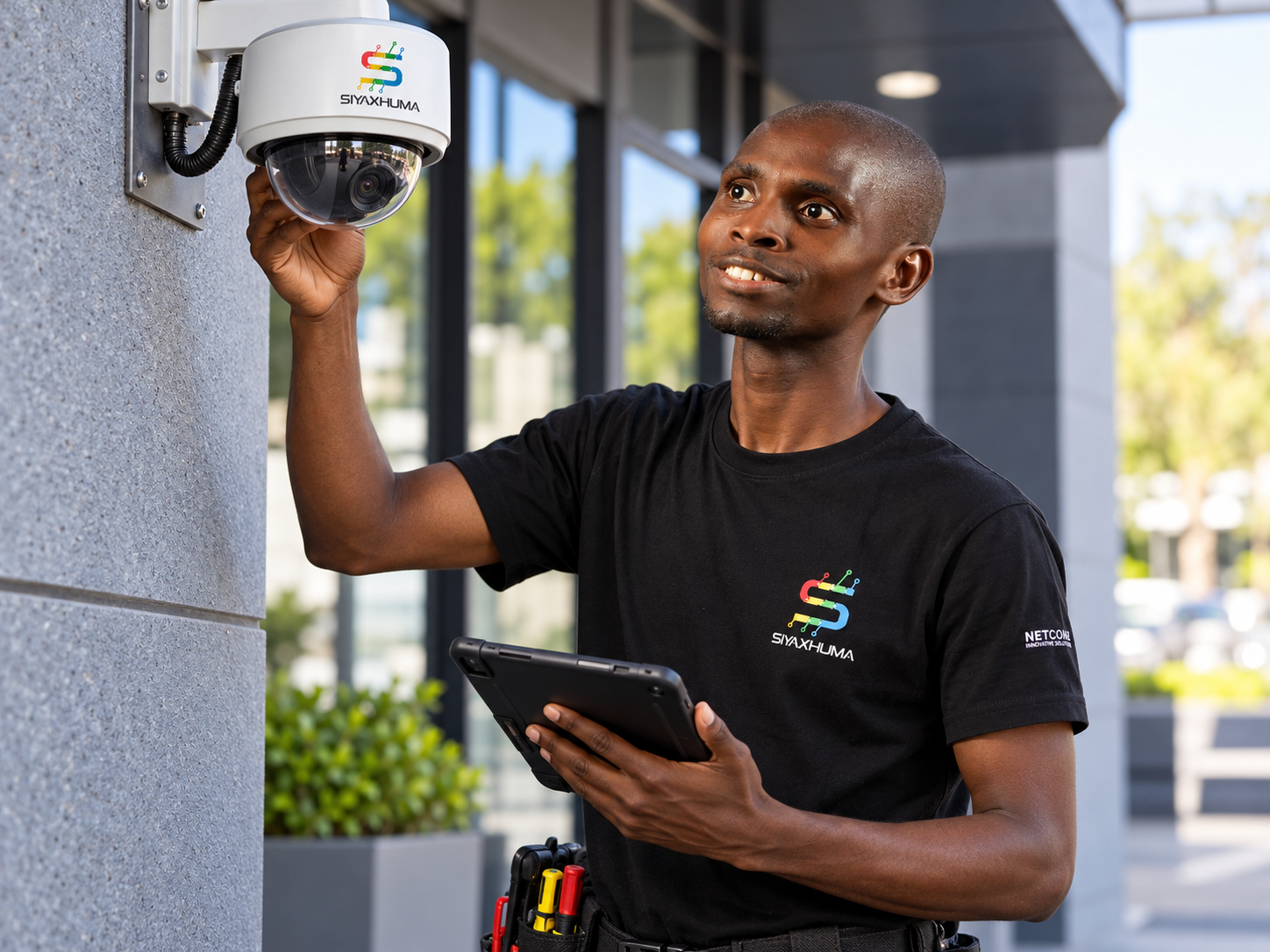
A SiyaXhuma technician inspecting an existing camera Any system, one honest look

What about cameras someone else installed?

A fair question, and we’d rather give you an honest answer than a vague one.

Yes, we can look after cameras we didn’t install, once we’ve had a look at your system. A site assessment is required first, so we can see what you have and what it needs.

If you’re not sure what you’ve got, tell us and we’ll help you work out what makes sense.

Sound familiar? Here’s where to start.

We don’t know if our cameras are actually recording.

That’s exactly what a health check is for. We’ll look at each camera and the recorder and tell you what’s really happening.

Ask for a camera check-up
A camera went down and we’re not sure who to call.

You’ve found us. Tell us what you’re seeing and we’ll take it from there. If you’re on an SLA, we’ll contact you before you need to contact us, because it’s based on our ticketing system.

Report a camera problem
I want someone to look after our cameras regularly.

A maintenance plan keeps check-ups on the calendar so they don’t slip off your to-do list.

Chat about a maintenance plan
Our cameras are old, or the footage isn’t great.

Sometimes a clean and a re-aim is all it needs. Sometimes it’s time for an upgrade. We’ll be honest about which it is.

Explore CCTV & Perimeter

About response times

Standard response times apply to our CCTV maintenance work. Other response times are stipulated in the SLA, according to your requirements.

What to expect

  1. 1

    Let’s chat

    Tell us about your site and what’s on your mind.

  2. 2

    Site check

    We look at your cameras and recording equipment on site and see how things stand.

  3. 3

    Plan agreed

    We tell you what we found and agree the way forward with you: a quick fix, a one-off visit or an ongoing plan.

  4. 4

    Ongoing care

    We keep an eye on things so your cameras stay in good shape, according to the requirements in your SLA.

Where we can help

We look after businesses across three provinces.

See all the areas we serve

Questions people often ask

How often should cameras be checked?

Once a quarter, or on a schedule based on your site’s requirements. We’ll recommend a rhythm that suits you.

Why does my footage look blurry?

There are a few common reasons: a dirty lens or cobweb, a camera that’s slightly out of focus, poor lighting, or a connection that isn’t coping. We diagnose and fix these as part of a standard visit.

How do I know my cameras are actually recording?

The only way to be sure is to check each camera and the recorder, and to test that footage can be played back. That’s a core part of a camera check-up. And if you have an SLA in place, you’re welcome to contact us.

Do I need a contract for maintenance?

Maintenance runs on an agreement, and the options include month to month, quarterly visits, or terms set by your SLA.

What does camera maintenance cost?

It depends on your requirements and the SLA we agree together, so we don’t list prices here. Tell us about your setup and we’ll talk you through it.

Does CCTV footage and POPIA affect us?

This is a good question, and one worth getting right. How footage is used and stored can bring legal responsibilities, so we’d encourage you to seek your own legal advice. We can’t give legal advice here, but we’re happy to talk through how your cameras and recorder are set up.

Tell us what’s keeping you up at night.

Whether it’s one cranky camera, a whole site you’re not sure about, or just a feeling that “someone should probably check those”, we’re happy to talk it through.

A smiling SiyaXhuma technician beside a freshly cleaned camera Friendly humans, working cameras